In order to review, process, and approve state highway right-of-way (ROW) permit applications in a more timely and efficient manner for our customers, the Wisconsin Department Transportation (WisDOT) is now using an electronic permitting system called SHAPES. The buttons and other information below will help guide you through this process. At this time, SHAPES cannot be used for driveway and utility permits.
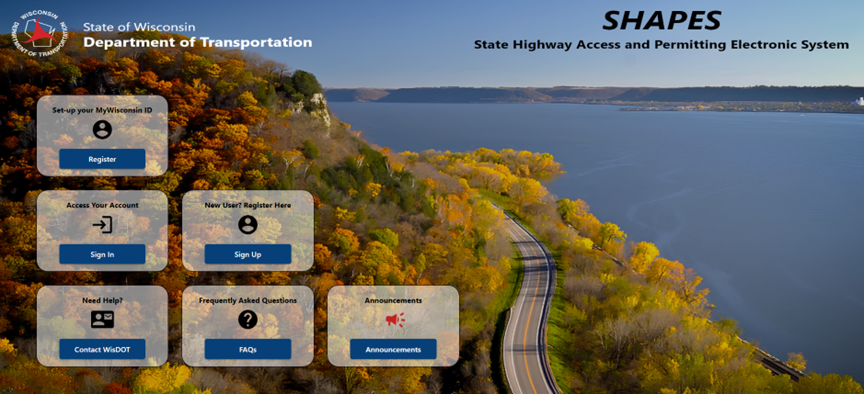
Currently Available: Work on Highway ROW Permits
Use the button below to go to the SHAPES login screen.
Login to SHAPES
Use the buttons below for login help or information on creating different SHAPES accounts.
Helpful reminders
- A
MyWisconsinID is required to apply for a SHAPES account, which in turn is required to obtain a Work on Highway ROW permit.
- DO NOT APPLY for a MyWisconsinID and a SHAPES account at the same time (in the same browser session with multiple tabs open). Use the "Create a SHAPES account" button above for instructions.
- If you are having problems registering for a SHAPES account after obtaining a MyWisconsinID, try deleting your browsing history (data) and/or using a different browser.
- If a customer does not have access to a computer, WisDOT staff will enter their name and address into SHAPES, which allows us to process their paper application electronically. This will take more time since we have to scan the paper application and correspond with them via regular mail. If a customer has a friend or relative that can establish an account on their behalf, it would significantly reduce the permit processing wait time.
- You will not be filling out a replica of a Work on Highway ROW permit form (DT1812) in SHAPES. The form fields are the same but just arranged differently on a computer screen. Upon permit approval, a customer can download and print a copy of their permit, which will be very close in appearance to the current DT1812 form.
- There is no smart phone app for SHAPES at this time. A customer may view a PDF copy of their permit in SHAPES on a smart phone by accessing their account via WisDOT's website.
- When filling out the Work on Highway ROW permit application form in SHAPES:
a. It cannot be saved until all required data field information is entered:
- A red error message is displayed when information is missing.

-
 The affected tab changes to red where the information is missing.
b. You cannot upload attachments, images, etc. until the form is saved.
c. If SHAPES remains idle for more than 30 minutes before saving the application form data, your information will be lost.
d. After saving the form, you may return to it at any time prior to application submittal to make edits, add or delete attachments, images, etc.
e. Once submitted, WisDOT may ask you to correct any erroneous information or upload any missing documents, images, etc.
- If you are filling out the Work on Highway ROW permit application form for a client (individual, company, unit of government, etc.) or a company that will be performing the work, please be sure to check the
Client or Company Name box in the Applicant Information section and complete those fields. Doing so allows the Client or Company Name field to be published as the applicant on the Work on Highway ROW permit form and not yourself. For example, a consulting firm that has been contracted by a municipality to perform work in state highway ROW may fill out the application on behalf of the municipality but the municipality is the applicant not the consultant. Likewise, a staff person, working for a consultant or contractor that will be performing work in state highway ROW, is not the applicant. Rather, it is the consultant or company as an organization doing the work who is the applicant.
- There is no cost for a Work on Highway ROW permit.
-
Allow 1-2 weeks to process a
completed permit application. Submitting an application with only 1-2 days between the submittal date and the proposed work start date is not reasonable based upon our typical workload. If necessary, WisDOT will adjust the work start and finish dates upon permit approval.